Your care agency, step by step
Billing, new clients, EVV review — each is a few simple taps. See it step by step
Your own sample agency, no call needed
Everything, step by step
Every task in Compliance Pro is a few simple steps, one screen at a time: client intake, billing, caregivers, visits and EVV, nurses, office and settings. Here are three of them.
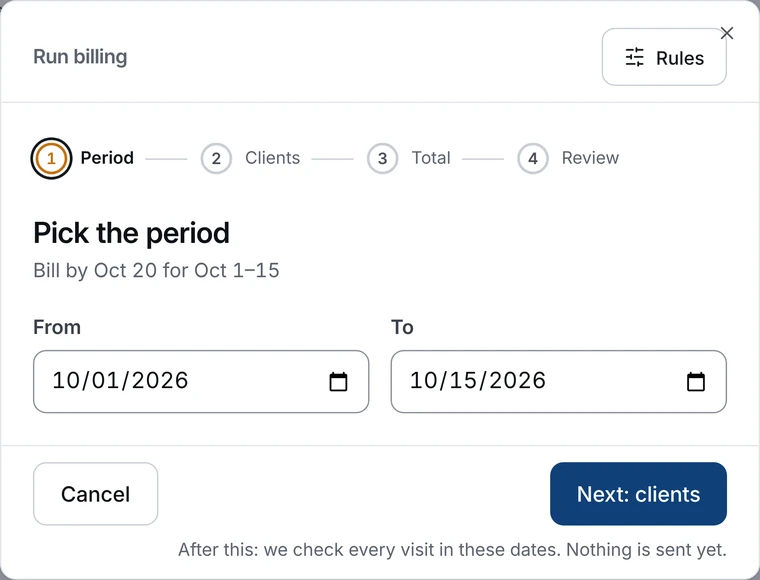
Billing
- Pick the period
- Check each client
- Check the total
- Review and send
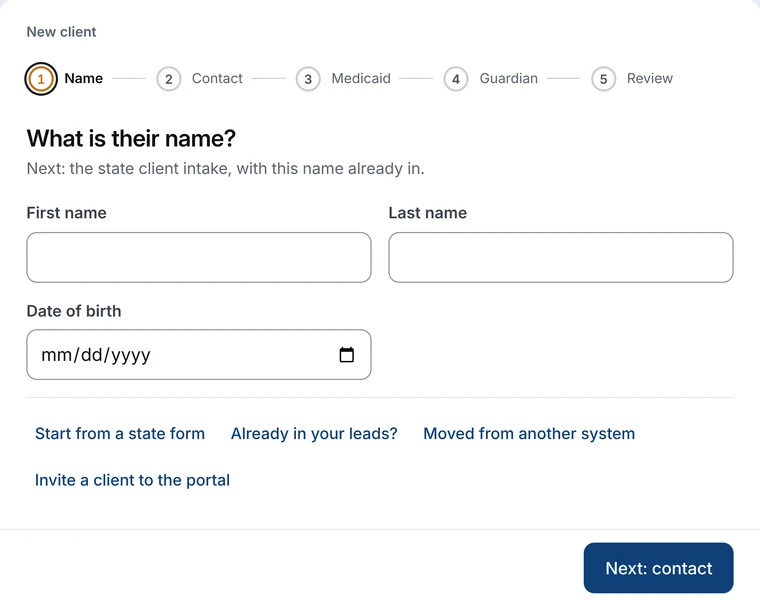
Add a client
- Name and contact
- Medicaid
- Guardian
- Review
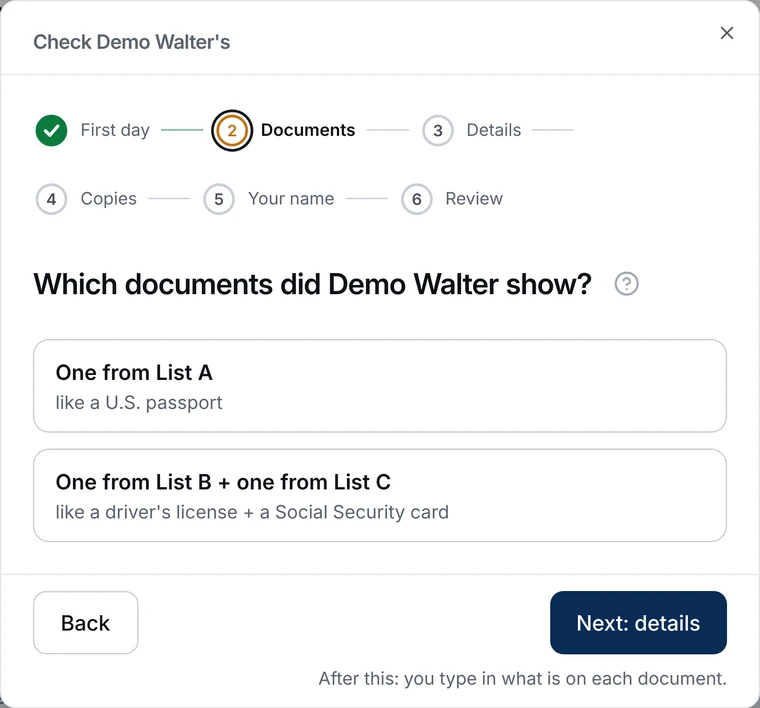
Check a new hire’s ID
- First day of work
- Which documents
- Document details
- Review and sign
Built to cut paperwork time by more than half.
Real screens from the app, demo data. Every task, step by step →
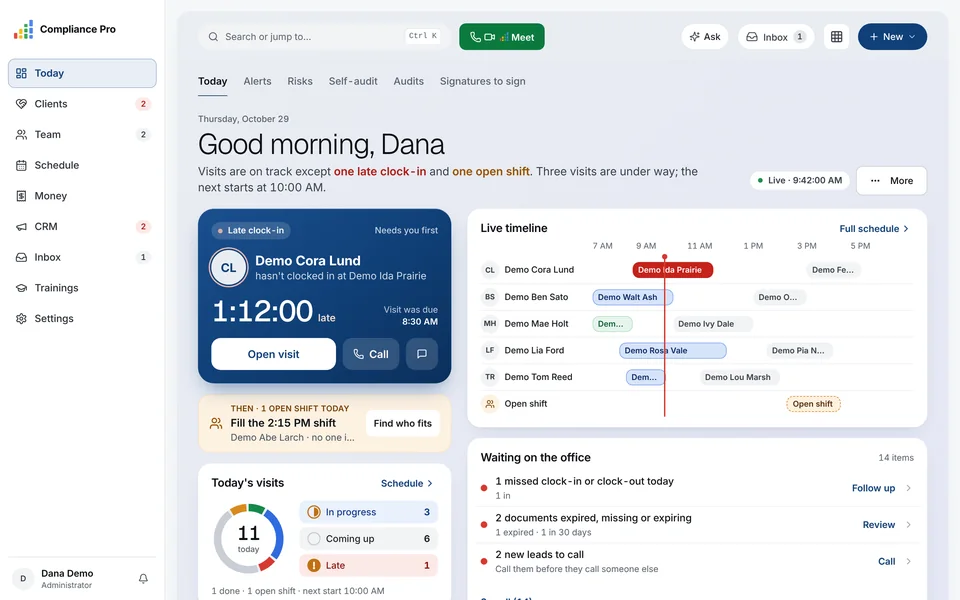
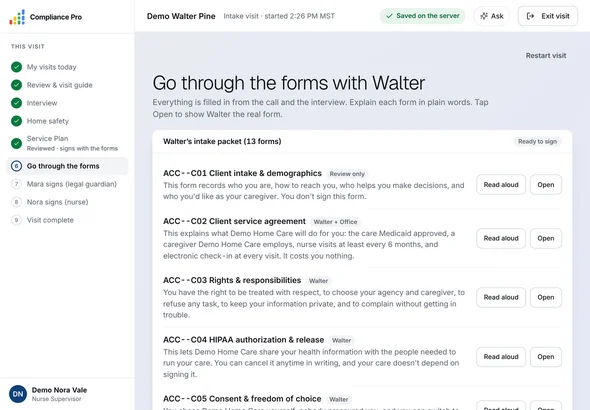
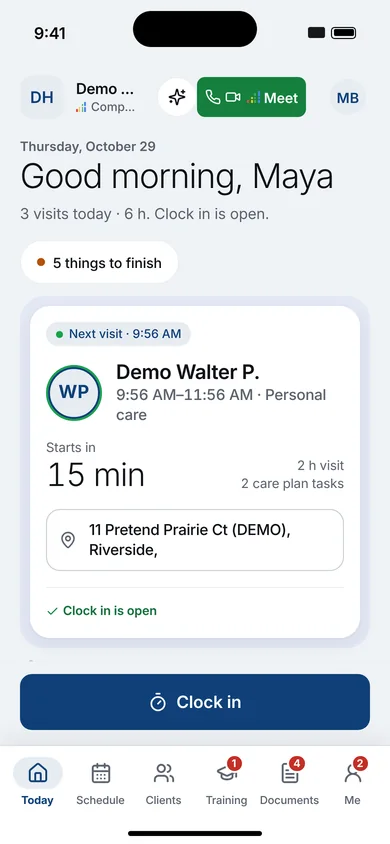
Real screens from the app on the laptop, iPad and iPhone. Demo data.
Highlights
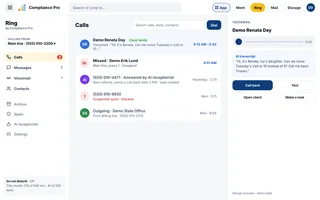
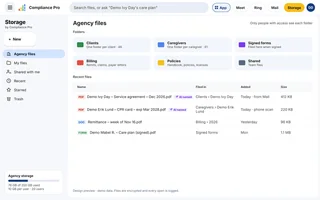
New: Mail, Ring, Meet and StorageWe don’t do the bare minimum. Email, phone, video calls and storage, built by our own team right into Compliance Pro.
- Demo showroomTry it yourself, sample data.Open the showroom
- Secure messagingLocked, opened with a code.How it works
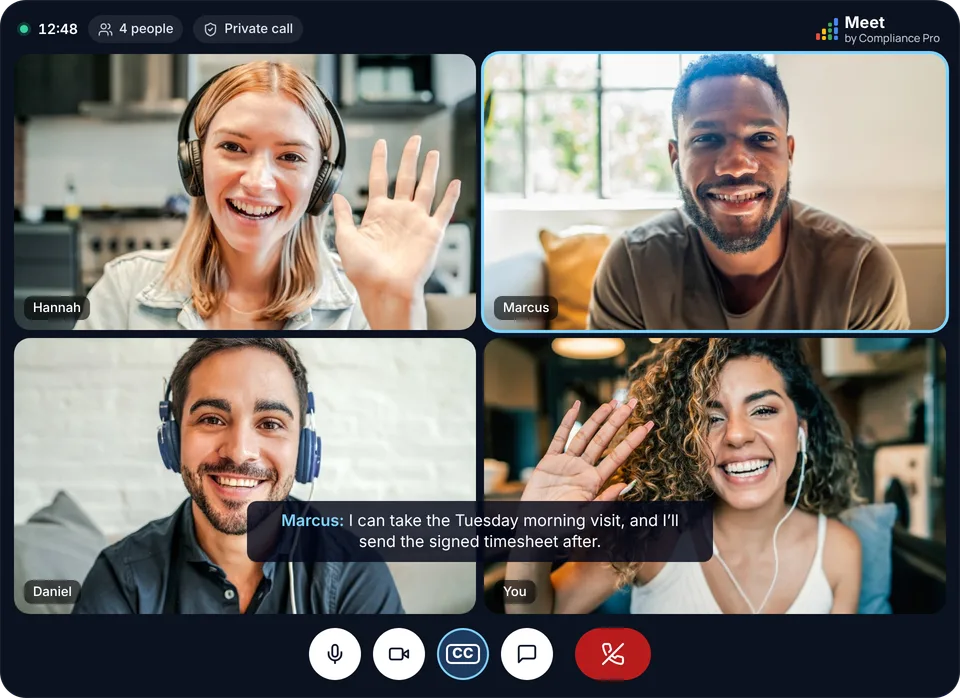 Meet video callsFree, private calls inside the app.How calls work
- AlertsProblems found while there’s time.See every alert

Home care software shouldn’t be this hard.
Most EHRs were built by software companies looking in from the outside.
Compliance Pro was built from inside home care. We run home care agencies ourselves.
Why we built it →Intake: 29 questions instead of 62 blanks.
Asked once. Filled everywhere. On paper, the client’s name is written 14 times. In Compliance Pro, you type it once.
Based on one state’s Medicaid in-home intake packet (state and agency forms), November 2026.
See the numbers →