Built for HIPAA, BAA includedBuilt-in EVV

Features

Everything your office runs on

One system for your office, supervisors and staff, organized around your state’s rules. Each feature has its own page with details.

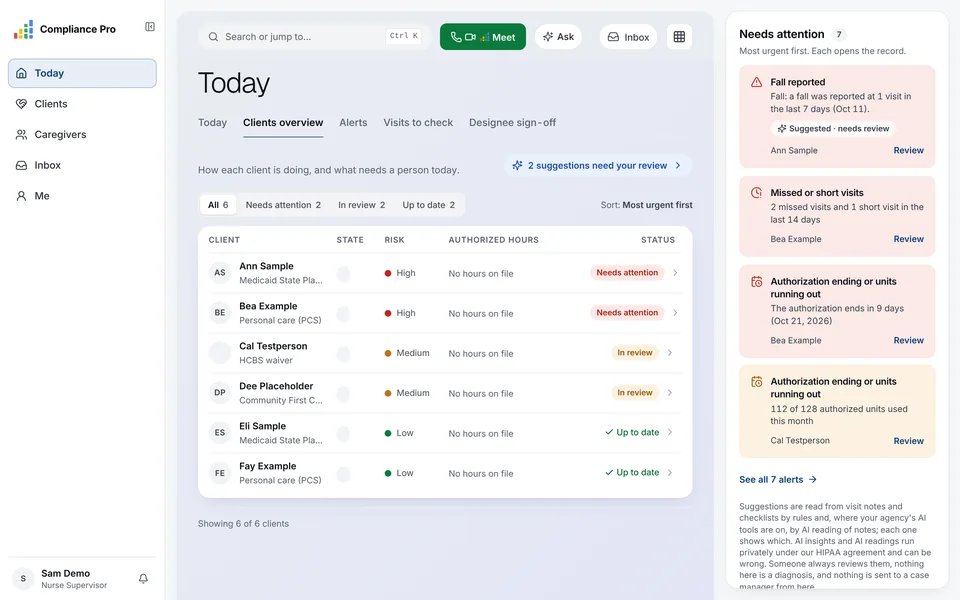
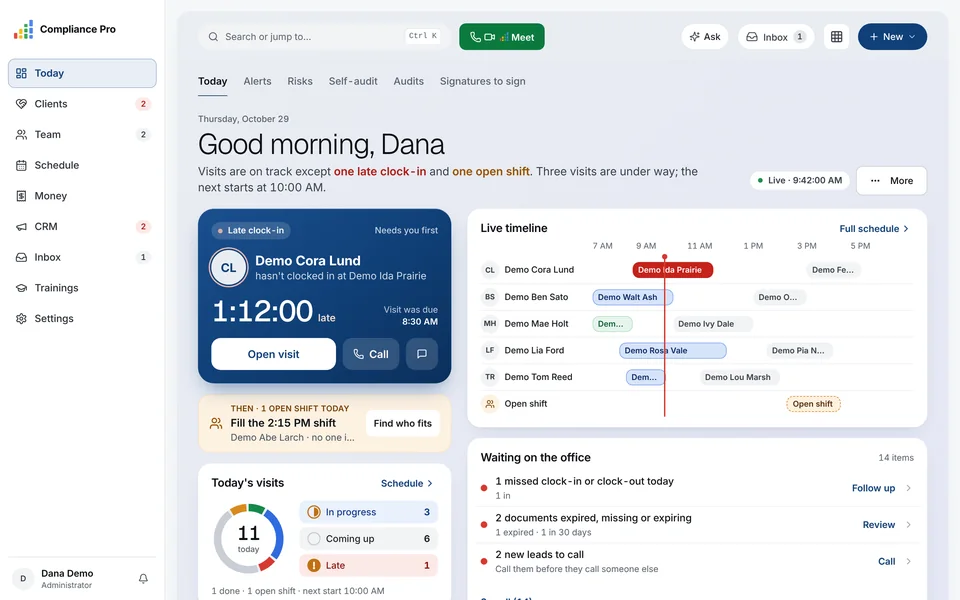
The office Today screen in the web app: Good morning, Dana and one sentence about the day, a late clock-in that needs you first with Open visit and Call, the live timeline of today’s visits, an open shift to fill, today’s visits and Waiting on the office. Demo data.

Laptop · Office web app

  • 42feature areas, in use today
  • 3care services: personal care, 245D, ARMHS
  • 2-stepsign-in with passkeys or authenticator apps
  • BAAincluded at no extra charge

Business tools

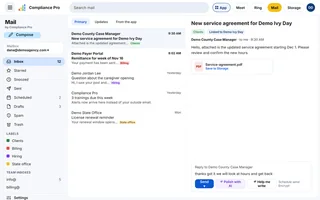
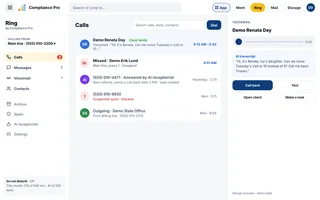
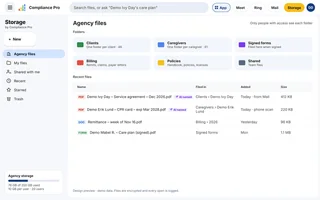
Email, phone, video calls and files, inside Compliance Pro. See Mail, Ring, Meet and Storage

8 features

Clients and intake

From the first call to a signed, active client.

7 features

Staff and training

Hire, onboard, train and clear people for work.

12 features

Visits and EVV

The visit itself, and the help around it.

4 features

Billing and payroll

Claims from verified work, and your records out when you need them.

Payroll exports →

11 features

Office and CRM

Leads, queues and the records a reviewer asks for.

Talk, remind and check, inside the app

Calls, an AI assistant and alerts that run themselves

Talk with your team and the people around a client, let your assistant handle the reminders, and hear about problems while there’s still time to fix them.

Compliance Pro Meet: free video and voice calls

Compliance Pro Meet: free video and voice calls for your team, inside the app, included at no charge. Schedule a meeting and invite anyone by email, even people without an account.

  • Schedule a meeting and invite people outside the app by email. They join from the link with no account, and wait in a waiting room until you let them in.
  • Live captions are shown during the call and not saved unless your agency chooses to keep transcripts.
  • Tag a call to a client’s or a caregiver’s file, so it shows on their record.
  • Start a quick call from a message conversation.
  • Not recorded unless your agency turns recording on, and everyone in the call is told. Built for HIPAA and covered by our Business Associate Agreement.
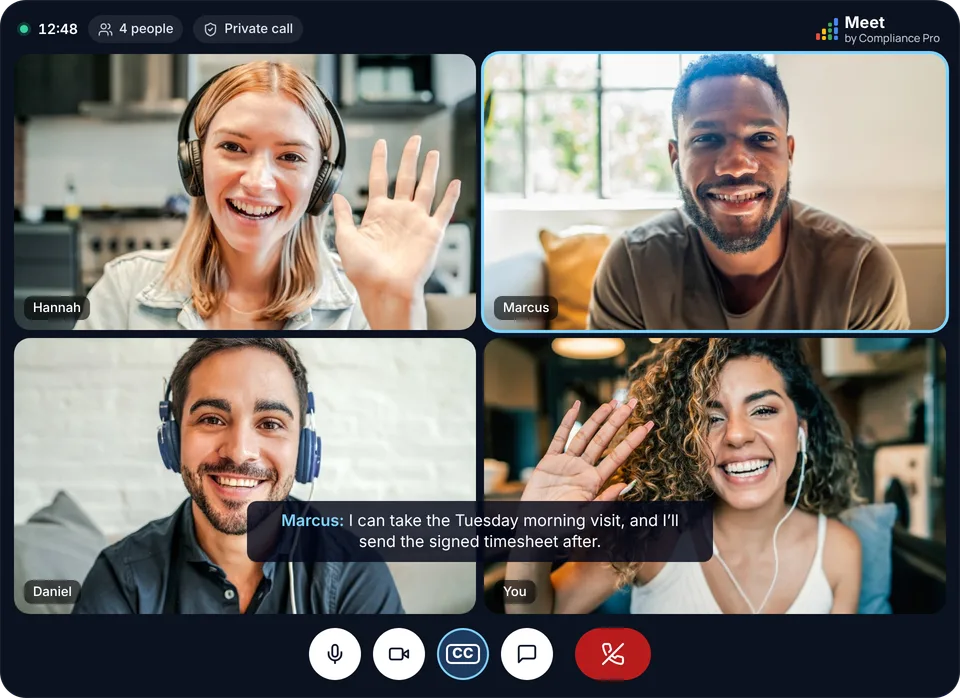
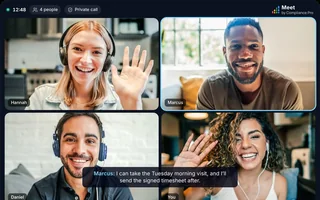
How calls work
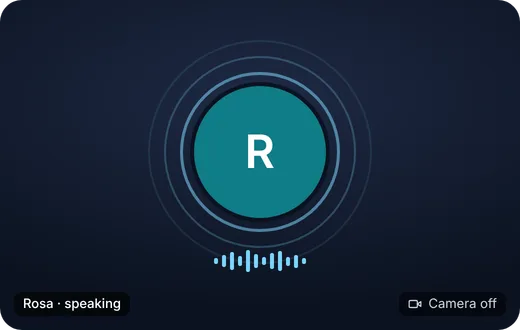
A secure video call in Compliance Pro: four people in a 2 by 2 grid on a dark screen, the call timer and “4 people”, a live caption line, and the buttons for microphone, camera, captions, chat and the red hang-up. Made-up names.A person with the camera off: their initials in a circle with a ring that moves with their voice.

Your AI assistant

An AI assistant with a name your agency picks. It answers questions about the app, takes the jobs you hand it, and sends your texts and alerts.

  • Ask it anything about the app, and it takes you to the right screen.
  • Give it jobs: remind someone, chase missing paperwork, follow up until it’s done.
  • It texts staff, clients and families from your agency’s own number.
  • It asks you before it sends anything to a group.
  • It is always labelled AI, and never says it’s a person.
Meet your assistant
AvaAI assistant

Each agency names its assistant; Ava is the default.

Alerts that run themselves

Pick the alerts you want, who gets each one and how. Your AI assistant sends them, so nobody has to remember to check.

  • Missed clock-ins and clock-outs.
  • “Check this visit”: overlapping visits, a clock-in far from the client’s address, travel that isn’t possible in the time, and one phone used by several workers.
  • Trainings, licenses, background checks and care plans before they expire.
  • Medicaid eligibility changes and authorizations that are ending.
  • For each alert, choose who gets it and how: in the app, a phone notification, email or text.
See every alert
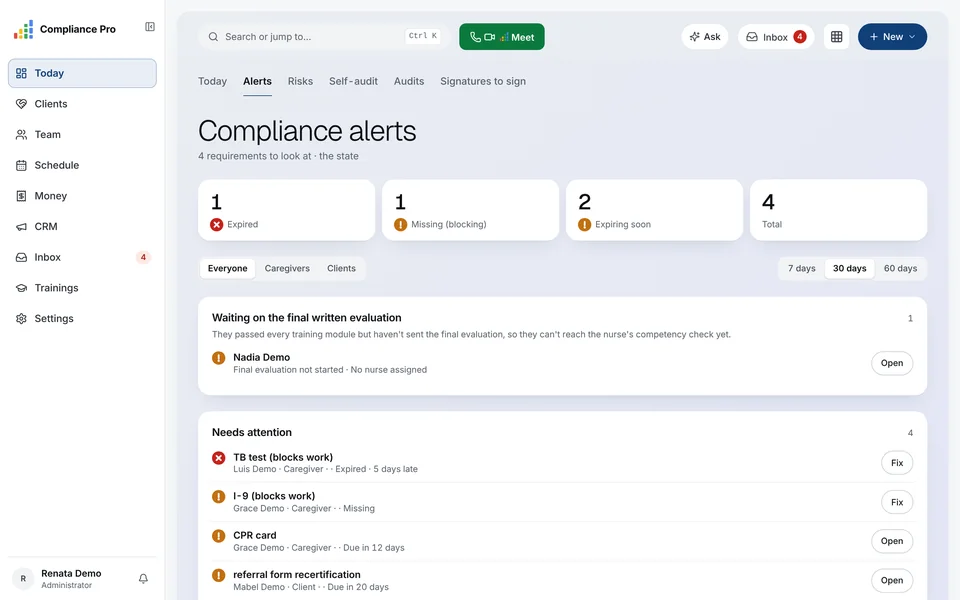
Today › Alerts in the office web app: expired and missing documents and what to fix, for every person. Demo data.

Secure messages

Send a secure message to anyone, like an email with a lock on it. They open it with a one-time code and reply in the portal or from their email.

  • Every message is locked. The person gets a link and opens it with a one-time code.
  • Attach documents from a client’s or a caregiver’s file.
  • They reply in the secure portal, or straight from their email.
How secure messages work

Temporary auditor access

Give an auditor read-only access for the dates, clients and staff you choose. Everything is in organized folders, and access ends on its own.

  • Read-only access: the auditor can look, never change anything.
  • You choose the dates, and which clients and staff they can see.
  • Each staff member’s onboarding paperwork is always included.
  • Access ends automatically on the last day.
How auditor access works
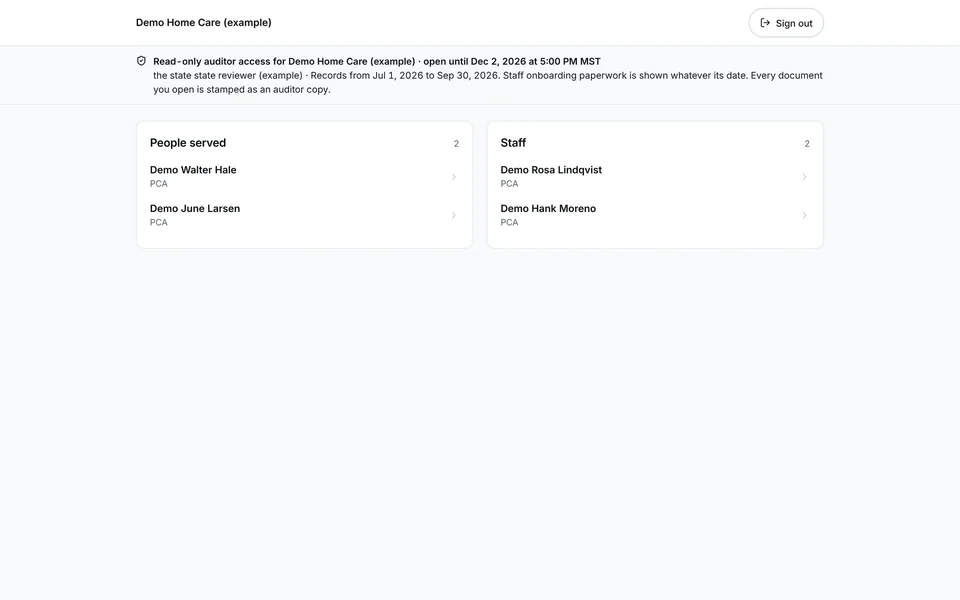
The auditor’s read-only view: the clients and staff files shared with them, for set dates only. Demo data.
AI phone calls. Pay as you go, with no monthly fee. Turn on only the calls you want: missed-shift calls, calling new leads and answering your phone. How it works

AI

AI that works for your office

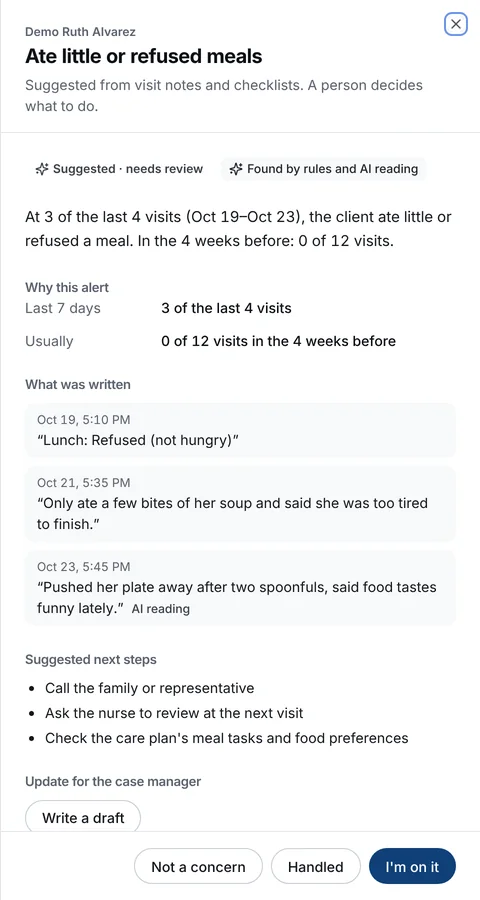
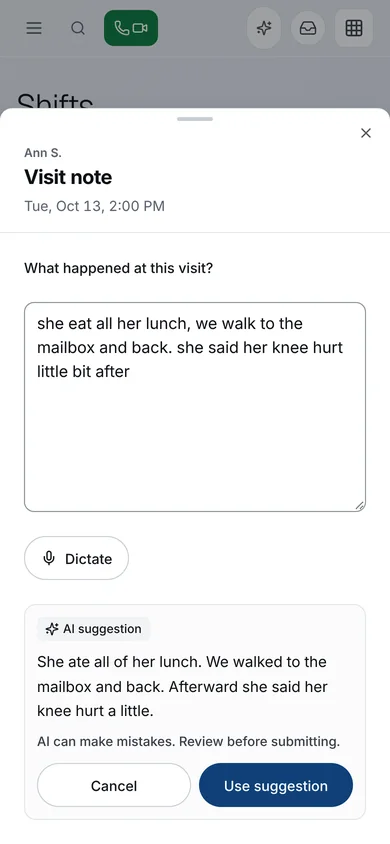
Every AI result is a suggestion. A person on your team reviews it before anything changes.

How the AI works

New in Compliance Pro

Ready to run compliance without the paperwork?