
Features
Messaging
Messages and team group chats between the office, nurses, caregivers and clients, inside your agency.
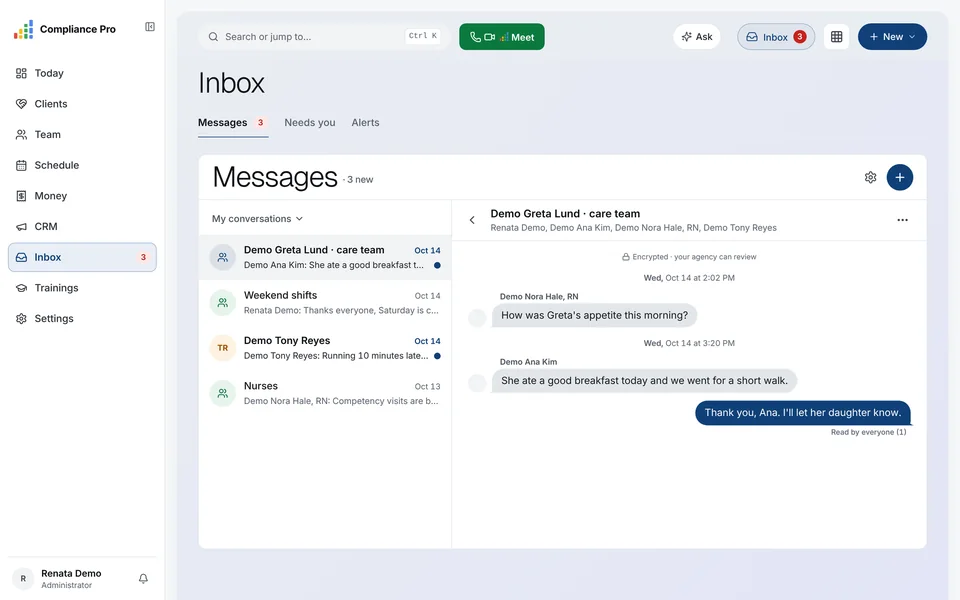
Screenshot from the app, demo data.
Who uses it
Caregivers, Office staff, Clients and families
The problem it solves
Client details don’t belong in personal text messages.
When caregivers text clients and the office from their own phones, messages about care end up on devices you don’t control, and nothing is kept when someone leaves.
How it works
Messaging, step by step
Screenshot from the app, demo data.
Inbox on the phone
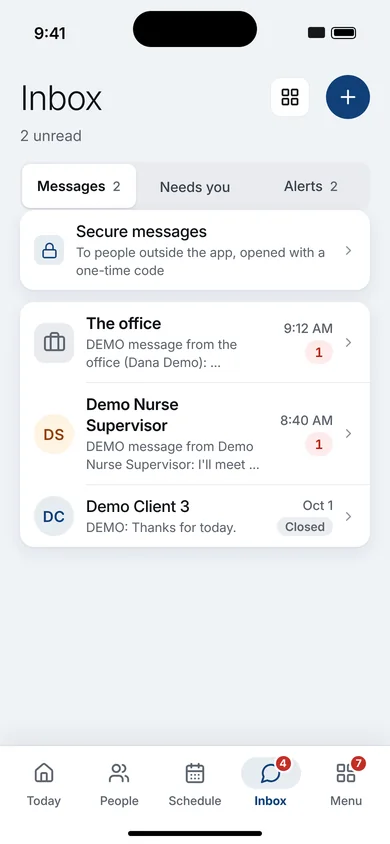
Screenshot from the app, demo data.
Closed when the assignment ends
A conversation closes when the assignment or access ends. It stays readable, but nobody can reply.
Screens from the Compliance Pro app, with demo data. Every name is made up.
Screens
How it looks
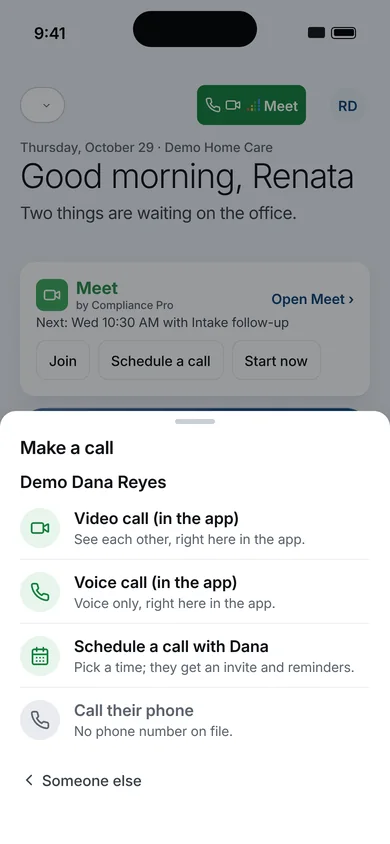
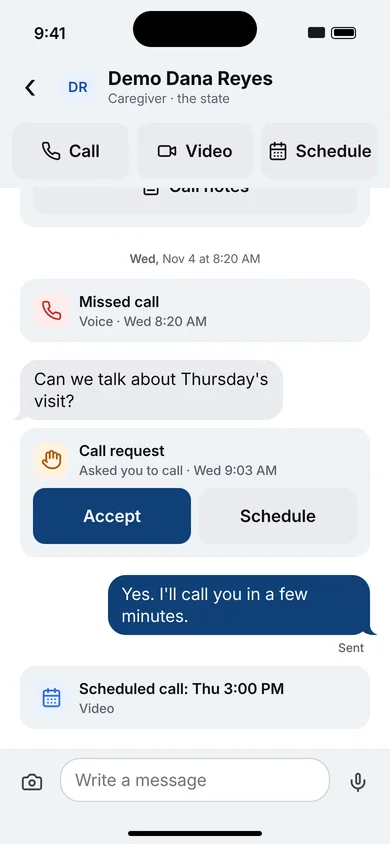
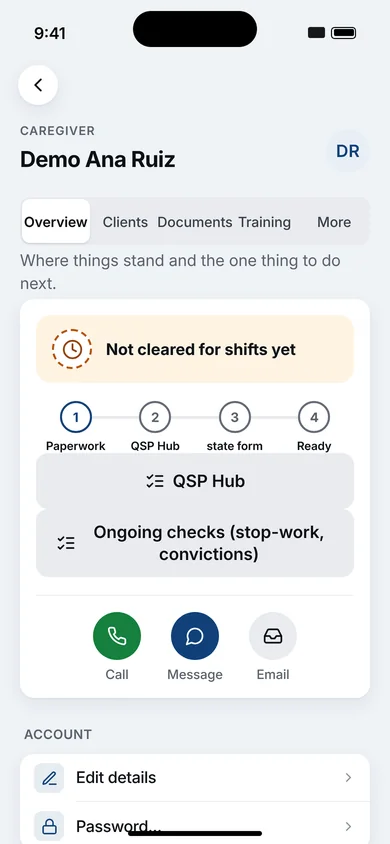
Screens from the app, with demo data. Every name is made up.
Who uses it
Each person sees their part
Caregivers
Message the office or their nurse, and clients when you allow it.
Office staff
Answer everyone from one inbox, and keep the team in group chats.
Clients and families
Reach the office without phone tag.
The rule it helps you meet
Messages that stay inside your agency
Message contents are encrypted, email alerts carry only a link, and caregivers can only message people their assignment allows.
Compliance Pro is software. Your agency stays responsible for meeting the rules, and your state’s own rules apply.
Everything it does
Messaging, in detail
- Conversations never leave your agency.
- Caregivers and clients can message the office or their assigned nurse.
- Group chats for your team: the office makes a group of staff and caregivers, and can make it an updates group where only some people post. Clients are never in a group.
- Read receipts as check marks (sent, delivered, read), and “Read by” in groups. Your agency can turn them off.
- See when someone is typing, and mute a conversation.
- Voice messages and photos from the phone app, shown and played on the web too.
- Caregiver-to-client messages are off until you turn them on, and only work during an active assignment. Caregivers can’t start a private conversation with each other; they talk in the groups the office makes.
- A conversation closes when the assignment ends or access ends. It stays readable, but nobody can reply.
- Message contents are encrypted, and email alerts carry only a link.
- Attach PDFs and photos up to 10 MB.
- Reminder texts to caregivers and staff from your agency’s own local number: missed clock-ins and clock-outs, signing links, documentation due and shift confirmations. Texts never include client health details.
- Deleted messages show as deleted; nothing is hard-deleted.
Questions
Can caregivers text clients from their own phones?
They don’t need to. If you turn on caregiver-to-client messaging, it happens in the app during an active assignment.
Do message emails include the message?
No. Emails carry a link only.
Can we turn read receipts off?
Yes. Read receipts are on by default, and an admin can turn them off for the agency.