
Features
Nurse visits
Nurse visits that end with the office’s follow-up already listed.
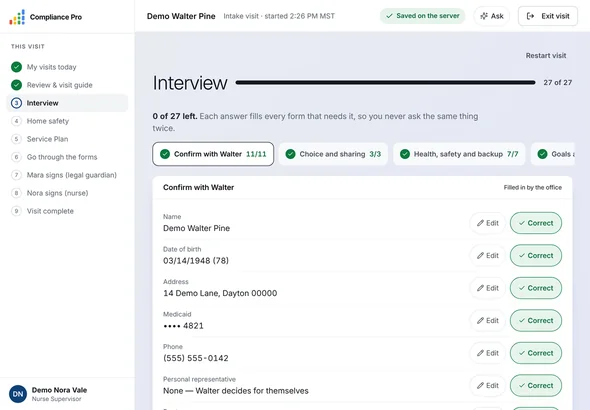
Screenshot from the app, demo data.
Who uses it
Nurse supervisors, Office staff, Clients and families
The problem it solves
Nurse visits end with paperwork the office has to chase.
A supervisory visit means interview questions, a home safety check, forms to explain and sign, and then a list of things for the office: countersign, send the state form, fix the address that changed. On paper, half of it is forgotten.
How it works
Nurse visits, step by step
Nurse supervisor’s phone
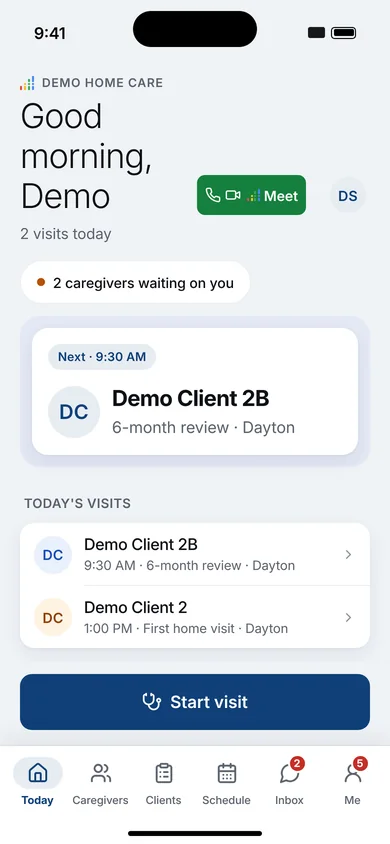
Screenshot from the app, demo data.
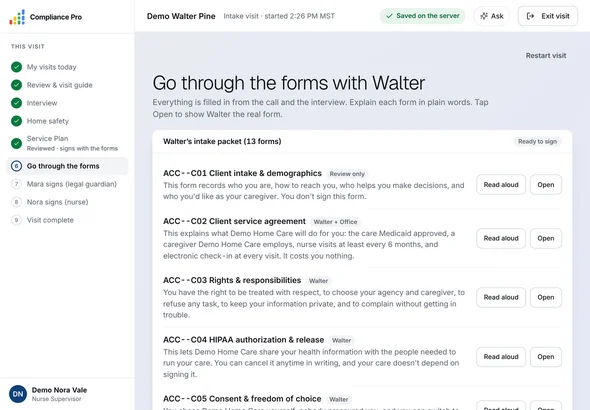
Screenshot from the app, demo data.
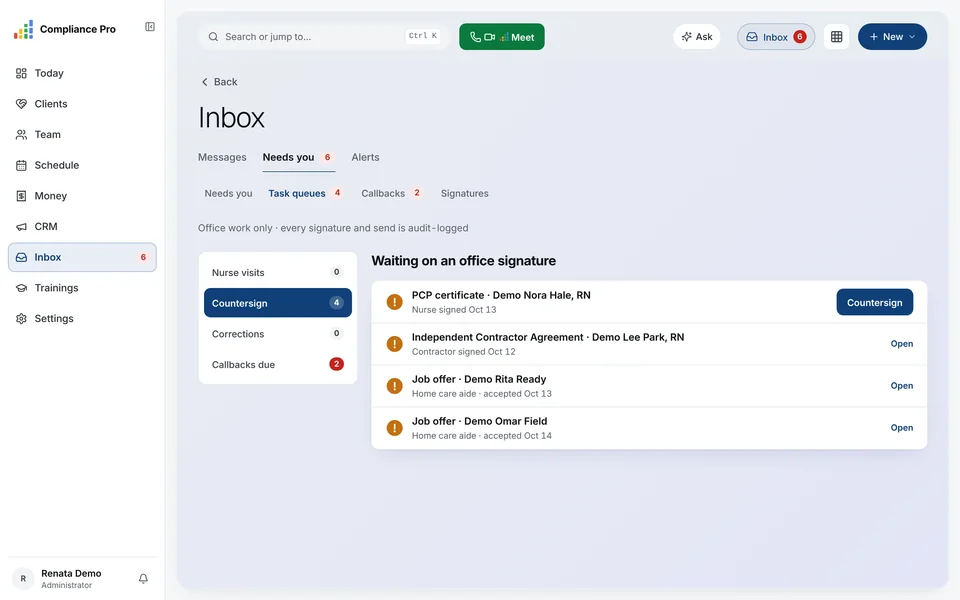
Screenshot from the app, demo data.
Screens from the Compliance Pro app, with demo data. Every name is made up.
Who uses it
Each person sees their part
Nurse supervisors
Run the visit on an iPad, from interview to signatures.
Office staff
Schedule visits and work the follow-up queue.
Clients and families
Hear each form explained and sign in person.
The rule it helps you meet
Supervision and reassessment on a schedule
States and payers set how often a nurse visits and what the visit covers. For example, when a home health aide works with a client who also gets skilled nursing, a registered nurse checks the aide’s services on site at least every 14 days.
Compliance Pro is software. Your agency stays responsible for meeting the rules, and your state’s own rules apply.
Everything it does
Nurse visits, in detail
- After each visit, the office gets its tasks in a queue: countersign, send the state form, handle corrections.
- Visits grouped as scheduled, in progress and after the visit.
- Nurse Visit Mode: interview, home safety, forms and in-person signing on the nurse’s iPad.
Questions
Does the nurse see the office’s follow-up list?
No. After-visit tasks are for the office; the nurse never sees that list.
Does it work without Wi-Fi in the home?
The visit is saved as the nurse goes, so they can pick up where they left off.